Screenshots
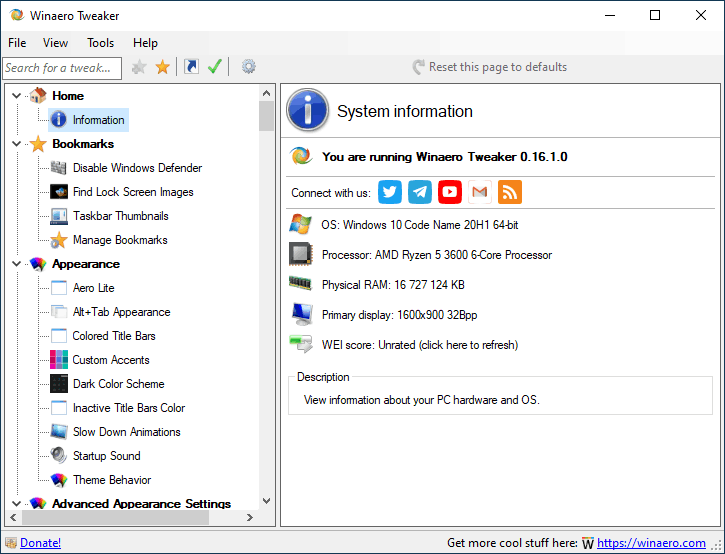
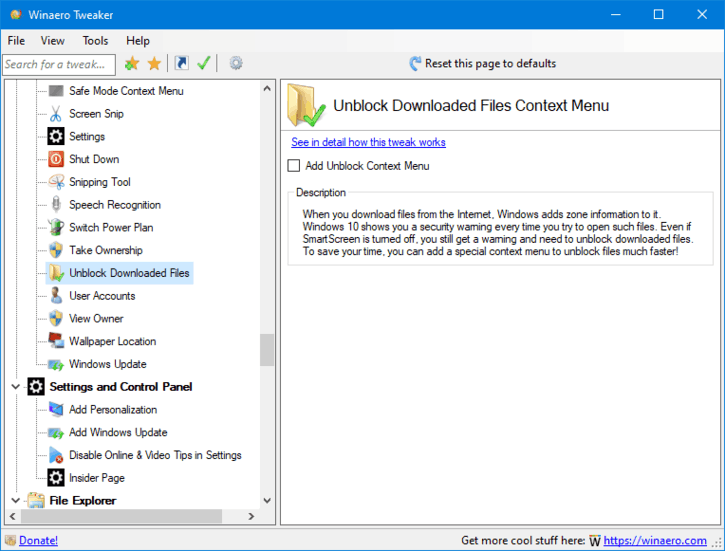
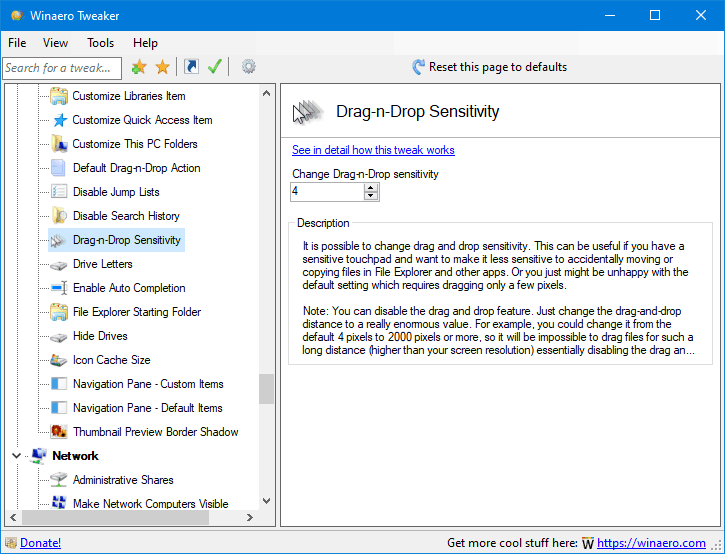
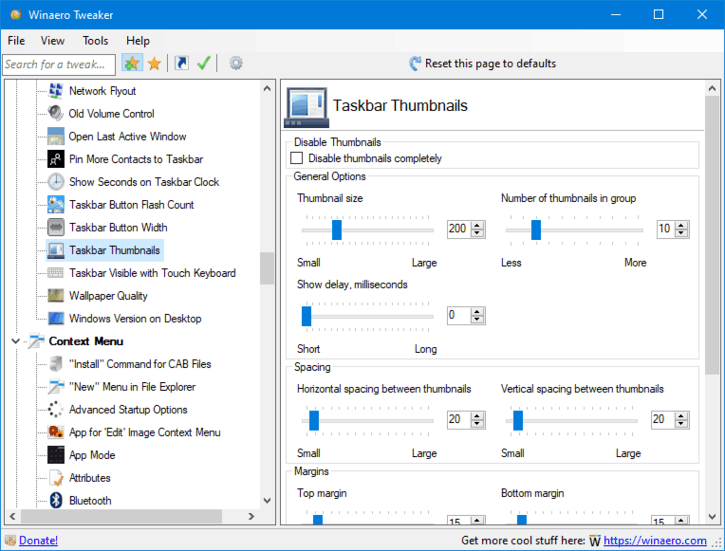
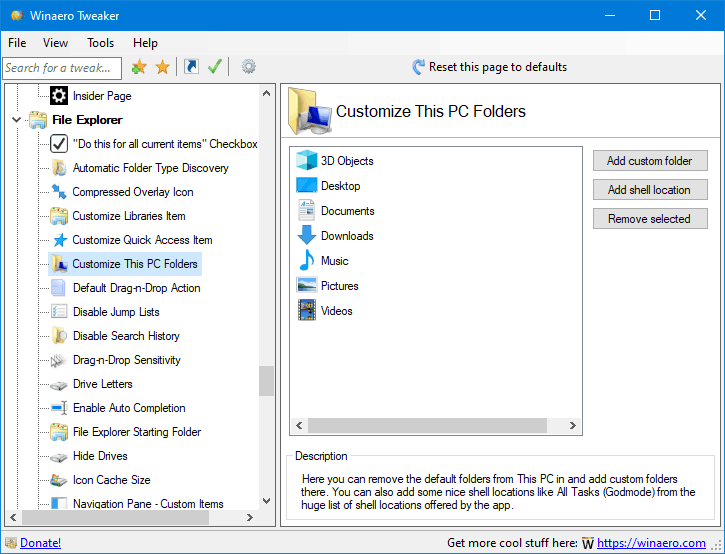
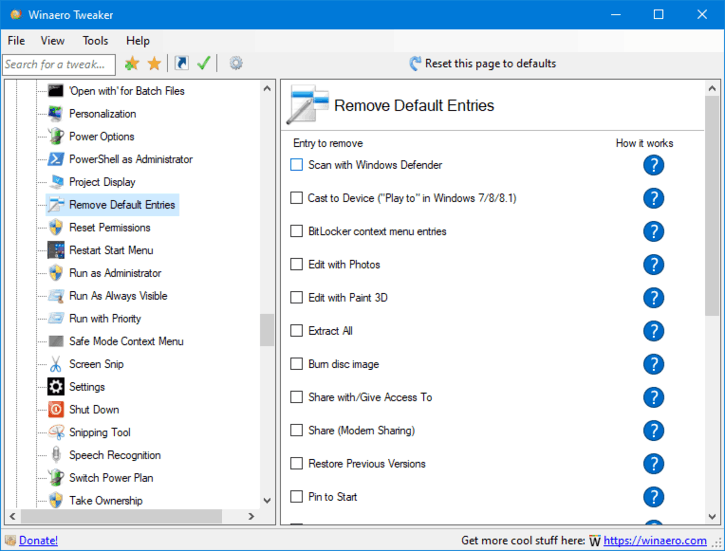
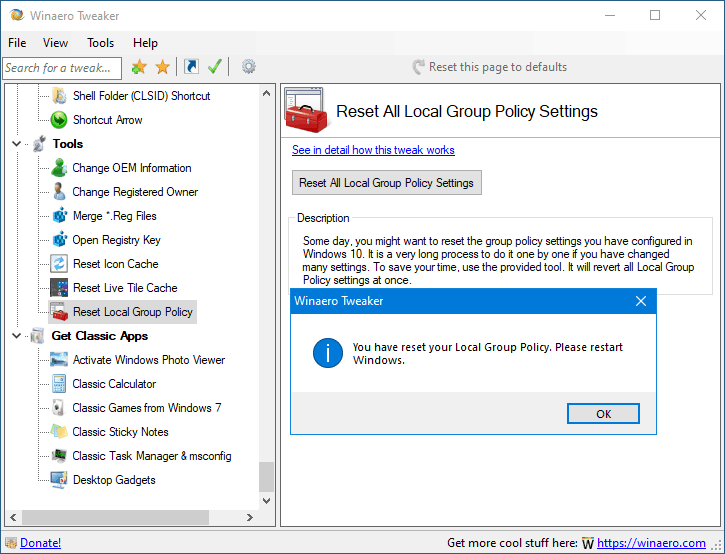
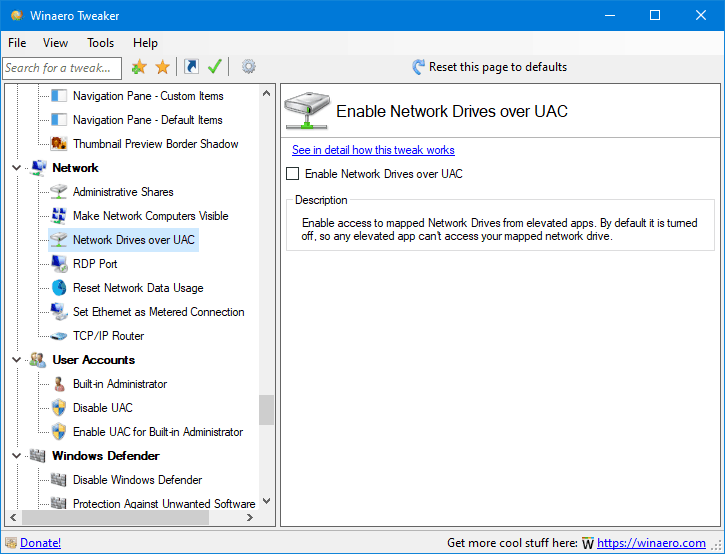
Common utility features include search, bookmarks and a categorized list of customization options. Some actions may require a sign-out or an Explorer restart.
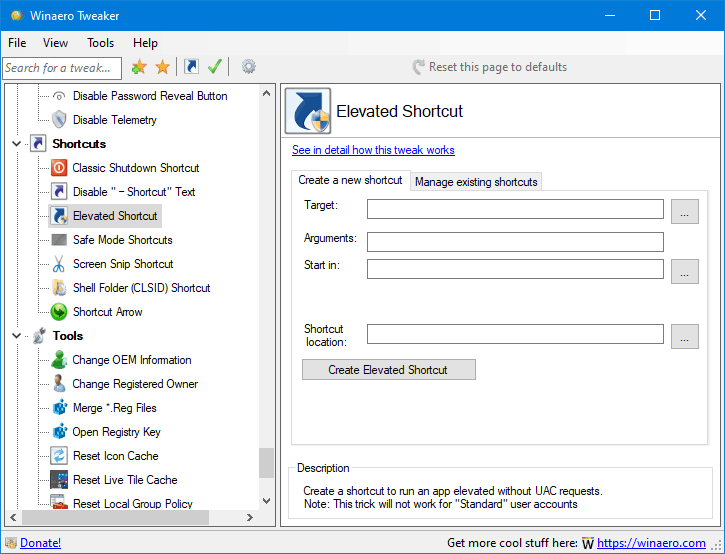
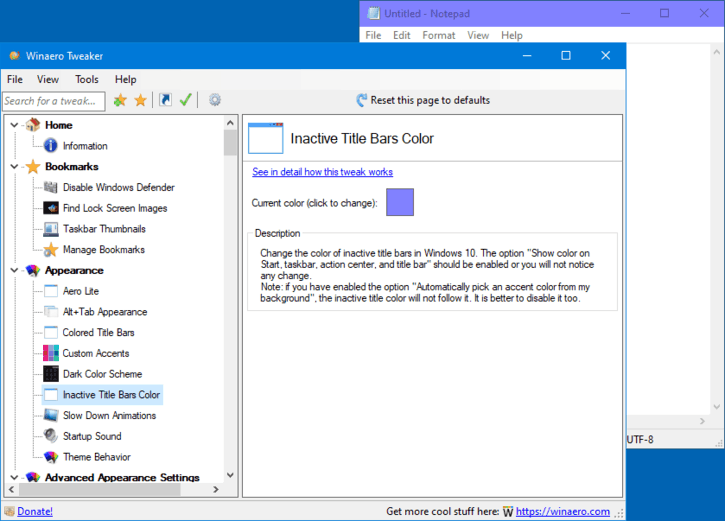
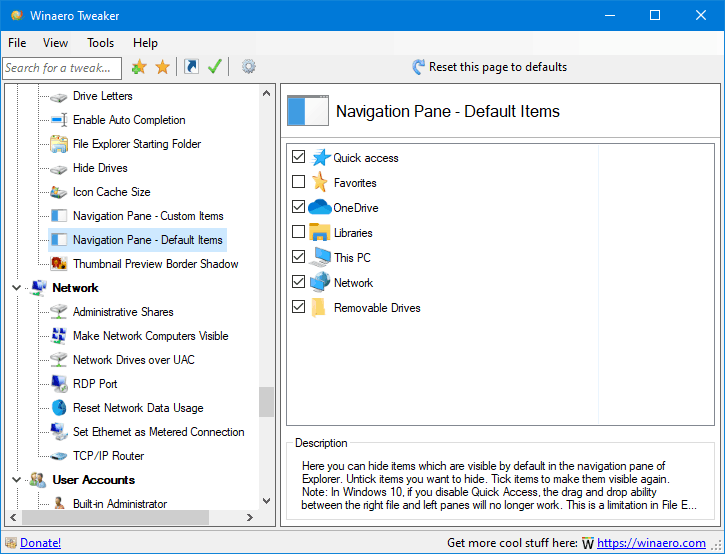
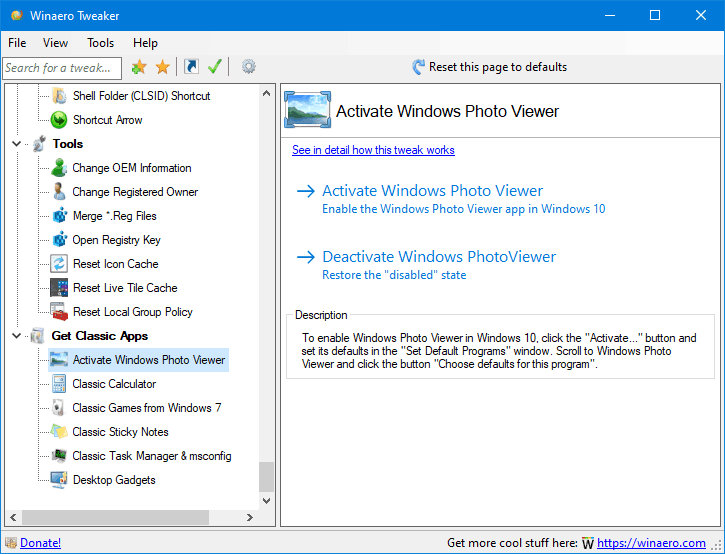
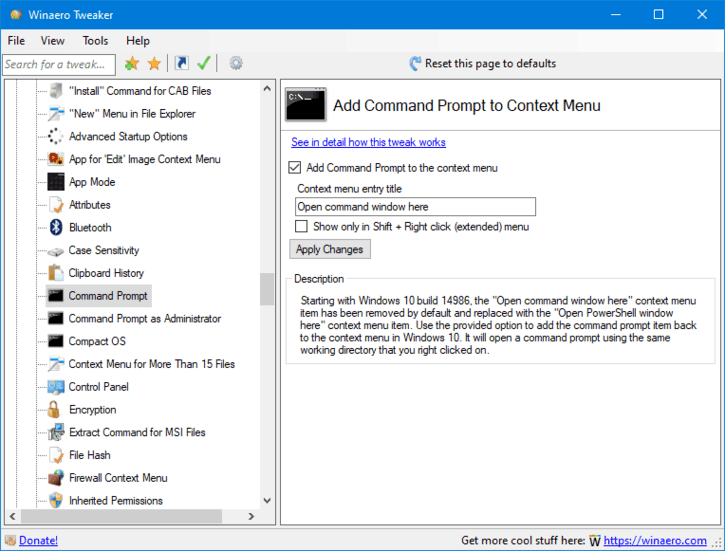
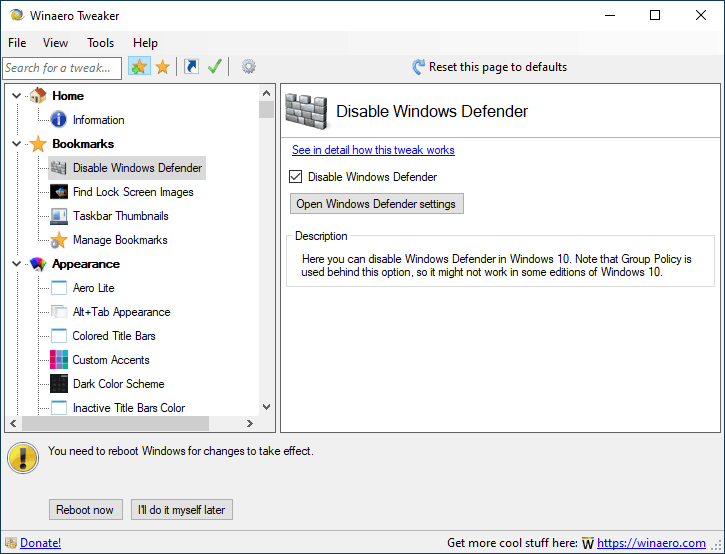
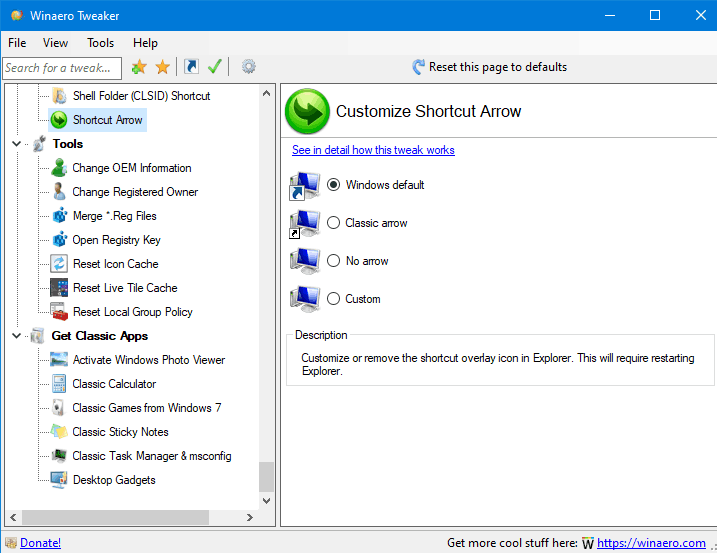
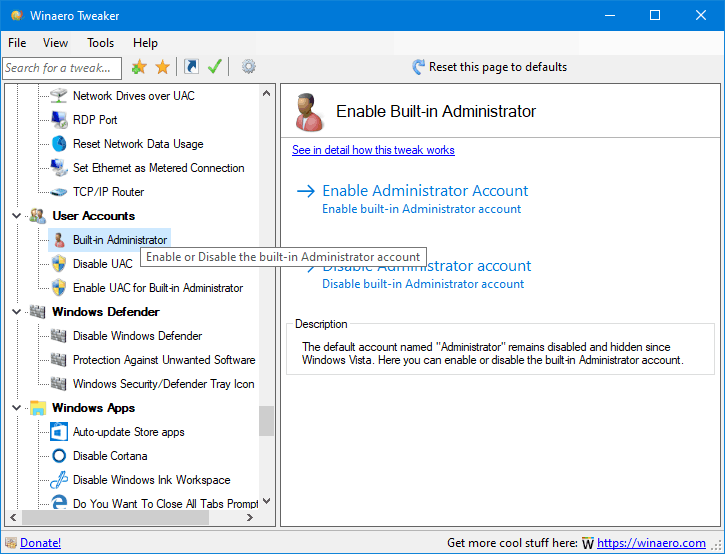
Latest version: 1.65: Release notes | FAQ | App doesn't start? See this
Learn moreDownloaded: —
Winaero Tweaker is a Windows customization utility created by Sergey Tkachenko. It groups appearance, Explorer, desktop, and advanced system settings in one interface. This independent site explains how to evaluate and reverse changes before applying them.
The available tweaks and compatibility can vary by software version and Windows build. Prefer built-in Windows settings where possible, and document changes that affect system behavior.
Our articles cover Windows 11 and Windows 10 features, cautious setup practices, and common troubleshooting topics.
Winaero Tweaker comes with plenty of features and tweaks. To name a few of them:
And much, MUCH more! Check out the following list of features:
Common utility features include search, bookmarks and a categorized list of customization options. Some actions may require a sign-out or an Explorer restart.
Here is the list of releases
1.65 Release notes1.64.2 Release notes1.64.1 Release notes1.64 Release notes1.63 Release notes1.62.1 Release notes1.62 Release notes1.60.1 Version 1.60.1 fixed a crash in Terminal profiles context menu introduced in version 1.60.1.60 Release notes1.55 Release notes1.54 Release notes1.53 Release notes1.52 I found out that the "Disable Edge Updates" option in Winaero Tweaker is not effective in most consumer scenarios. So I have created an alternative implementation, which should work for everyone.1.51 1.50 Release notes1.40 Release notes1.33 Release notes1.32 Release notes1.31.0.1 Release notes1.31 Release notes1.30 Release notes1.20.1 Added the ability to restore the classic Start menu and taskbar in Windows 11. Learn more here.1.20 Release Notes0.19.1 Added the ability to enable Windows 10X boot animation0.19 Release Notes0.18 Release Notes0.17.1 Changes and fixes0.17 Release Notes0.16.1 Fixes for 'Disable Windows Update', 'Disable Windows Defender' features, search feature improvements, the ability to disable 'End of Support' fullscreen notifications in Windows 7.0.16 Release Notes0.15.1 This version comes with a fix for the Compact OS context menu option (it wasn't get getting deleted when you unticked the option), and includes reliability changes for the Change Startup Sound feature.0.15 Release Notes0.14 Release Notes0.12.1 Release Notes0.12 Release Notes0.11.2
0.11.1 Fixed a crash that happens for some users when they open the Manage Bookmarks tab. 0.11 Release Notes0.10.2 Release Notes0.10.1 Release Notes 0.10 Release Notes 0.9 Release Notes 0.8 This is the first version of the app which supports import and export for changes you made! Release Notes0.7.0.4 Release Notes0.7.0.3 Disabled the accidentally enabled debug mode.0.7.0.2
0.7.0.1 Release Notes0.7 Release Notes0.6.0.10 Release Notes0.6.0.9 Release Notes0.6.0.8 Release Notes0.6.0.7 Comes with 13 new features and 11 bugfixes. Release Notes 0.6.0.6 Bugfixes only. Release Notes0.6.0.5 Adds the ability to disable Lock Screen in Windows 10 Anniversary Update version 1607. Release Notes0.6.0.4 Release Notes 0.6.0.3 Release Notes 0.6.0.2 Release Notes 0.6.0.1 This is a maintenance release.
0.6 Release Notes 0.5.0.6 Release Notes 0.5.0.5 Release Notes 0.5.0.4
0.5.0.3 Release Notes 0.5.0.1 Release Notes 0.5 Release Notes 0.4.0.3 Release Notes 0.4.0.2 Release Notes 0.4.0.1
0.4 Release Notes 0.3.2.2 Release Notes 0.3.2.1 Release Notes 0.3.2 Release Notes 0.3.1.1 Release Notes 0.3.1 Release Notes
0.3.0.2 Fixed the broken "Get colored title bars" feature in Windows 10. It works now.0.3.0.1 Release Notes0.3 Release Notes0.2.5 Release Notes0.2.4 Release Notes0.2.3.2 Release Notes0.2.3.1 Release Notes0.2.2 Release Notes0.2.1 Release Notes0.2 Release Notes0.1.0.1 Release Notes0.1 Initial release.Winaero Tweaker is distributed by its developer subject to the developer’s license. Refer to the official distribution website for up-to-date licensing and download terms.
Respect the original developer’s licensing terms. This informational site does not distribute an installer.
System customization can cause unexpected results. Create a restore point and understand each tweak before applying it.
Winaero Tweaker software © its respective copyright holder. Independent guide design uses Skeleton and Font Awesome assets.
Learn what settings change, which Windows versions they affect, and how to reverse changes. Create a restore point before system-level tweaks and download installers only from sources you trust.
Browse Windows tutorials · Frequently asked questions · Download information
What is Winaero Tweaker? A Windows utility that groups customization options for appearance, Explorer, shortcuts, and other system behaviors. Each option has different effects and compatibility requirements.
Can I use it on Windows 11? Some features are available for Windows 11, but support varies across builds and the specific tweak. Check your Windows version before applying a setting.
How do I undo a tweak? Return to the same feature and restore the prior value when possible. Record initial settings and create a restore point where appropriate.
Where can I read safe download guidance? See the download verification checklist and troubleshooting guide.
For Windows users in the United States and Canada: follow guidance for your installed Windows edition and build, not a country-based compatibility claim.
Independent software guide. Winaero Tweaker is developed by its respective author; this website is not the official distribution source.